
1. SSL certificates
SSL turns http into https and shows the padlock. Browsers warn visitors away from sites without it, and Google favours secure pages. Free SSL covers most sites; shops and wildcard subdomains may want a paid certificate.
Security
Website security rests on three basics: an SSL certificate to encrypt visitors' data, automatic backups so you can recover from any mistake or attack, and secure hosting that blocks malware and keeps software updated.
Published 21 October 2026 6 min read
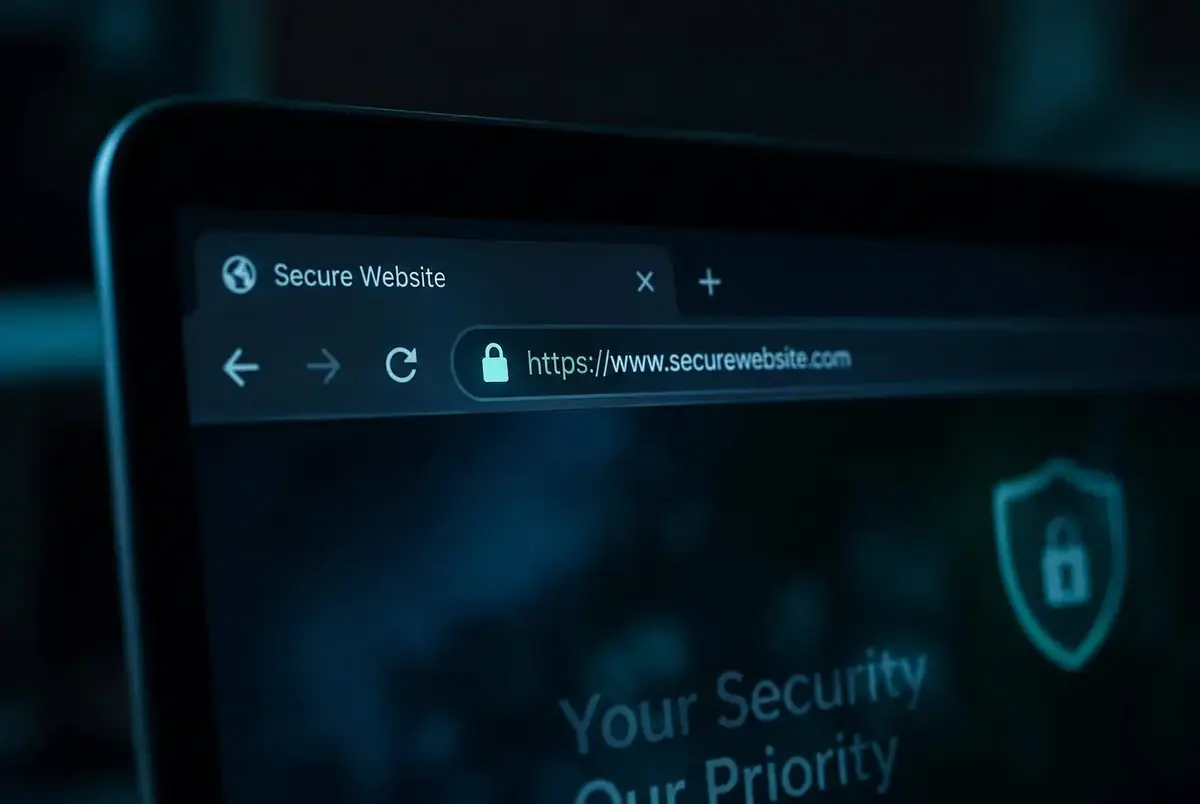
SSL turns http into https and shows the padlock. Browsers warn visitors away from sites without it, and Google favours secure pages. Free SSL covers most sites; shops and wildcard subdomains may want a paid certificate.
Backups are your undo button for hacks, failed updates and accidental deletions. Make sure they run automatically and you can restore them yourself.
Free SSL on every plan, plus paid certificates, backups and security tools.
Look for malware scanning, a web application firewall, isolated accounts and fast security patches.
Our engineers answer setup and migration questions in plain language, 24 hours a day.